
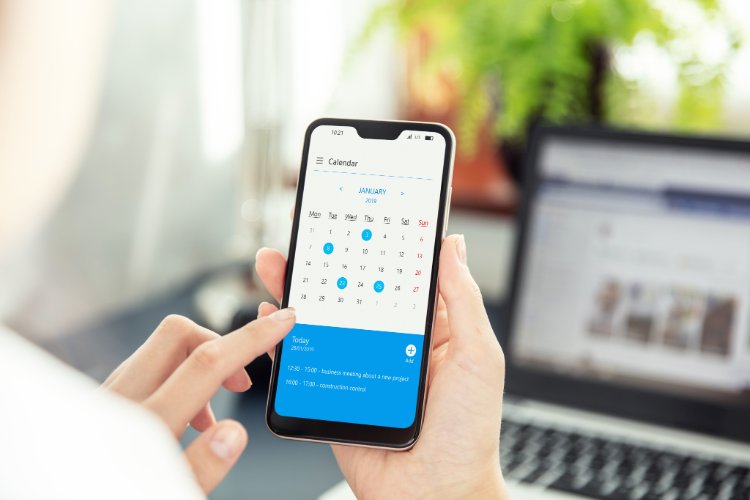
The 60-second answer: TickTick is excellent when your core problem is managing tasks, lists, and personal prioritization. Fhynix is stronger when your core problem is execution on time across calendar commitments, routines, and reminders delivered in channels people already act on. If your week fails because tasks stay unscheduled or reminders are ignored, a calendar-first execution model usually outperforms a task-first one.
| This guide fits if… | Skip it if… |
| You are deciding whether to stay task-first or move calendar-first | You only want a feature checklist without workflow advice |
| You keep missing planned work even with a solid to-do list | You already execute reliably with your current task manager |
| You care about reminder delivery quality, not just organization | You need deep project management for large teams |
What “task-first vs calendar-first” actually changes
This is not a UI preference. It changes your operating model:
- Task-first: collect and prioritize work, then decide when to do it.
- Calendar-first: decide when work happens as part of planning, then execute via time-bound reminders.
Task-first systems are great for clarity. Calendar-first systems are usually better for follow-through under real constraints (meetings, family logistics, commuting, energy dips).
Primary CTA: If reminders are your weakest link, test a WhatsApp-first execution layer this week: reminder WhatsApp messages.
At-a-glance comparison: TickTick vs Fhynix
| Criteria | TickTick (task-first) | Fhynix (calendar-first) |
| Primary planning unit | Tasks, lists, priorities | Time-bound calendar items + routines |
| Best for | Personal task capture and structured to-do workflows | Execution-focused users who need calendar + reminders to drive action |
| Failure mode | Large backlog with too many unscheduled tasks | Needs consistent calendar discipline for best results |
| Reminder strategy | Strong in-app/task reminder patterns | Calendar-linked reminders with WhatsApp execution path |
| Shared execution fit | Works, but can become personal-list centric | Stronger for shared timelines and owner-based reminders |
Neither product is universally better. The right choice depends on whether your bottleneck is planning clarity or execution reliability.
Decision criterion #1: Where your tasks die
Review your last two weeks. If tasks died because they were never prioritized, a task-first app like TickTick is often the better fit. If tasks died because they were prioritized but never time-bound, a calendar-first workflow is usually better.
Use this diagnostic:
- Task clarity issue: choose task-first.
- Scheduling issue: choose calendar-first.
- Reminder/channel issue: keep planning model, fix delivery channel.
This one diagnostic prevents many unnecessary tool migrations.
Decision criterion #2: Reminder channel and response rate
A reminder only works if you act on it. Many users are not missing reminders because the app lacks settings, but because alerts arrive in channels they ignore during busy transitions.
Measure reminder quality with outcomes:
- Did you see the reminder before prep time?
- Did it include the next action?
- Did schedule changes update reminders cleanly?
- For shared items, did the right owner receive it?
Primary CTA: If your response rate is low, run a 14-day pilot with automated WhatsApp reminders for high-risk tasks: automated reminders on WhatsApp.
Decision criterion #3: Solo productivity vs shared coordination
TickTick can be excellent for personal productivity. But if your reality includes partner/family logistics, calendar handoffs, and ownership transfer, execution complexity rises fast.
Calendar-first planning tends to win when:
- multiple people need to act at different times,
- changes happen often,
- late departures create compounding problems.
For these scenarios, source-of-truth timeline plus owner-aware reminders is more robust than a collection of individual task lists.
Decision criterion #4: Migration cost and hybrid transition path
You do not need a hard switch on day one. Most users should run a hybrid transition:
- Keep TickTick for capture/backlog.
- Move only high-impact weekly commitments into calendar-first execution.
- Add reminder delivery for those commitments in a high-response channel.
- After two weeks, decide whether to expand or stay hybrid.
This lowers risk and gives real performance data before committing.
Where Fhynix fits for TickTick users
Fhynix is best positioned as an execution layer for users who are already organized but still miss outcomes. It focuses on calendar-bound planning and reminder delivery where action happens, especially via WhatsApp workflows.
- From plan to time: converts intent into schedule, not just lists.
- Unified operations: tasks, events, and routines in one timeline.
- Last-mile execution: reminders delivered in channels users check.
If your current stack gives you clarity but not consistency, this is the gap Fhynix is meant to close.
Who should pick TickTick, Fhynix, or a hybrid stack
| Your situation | Best starting point |
| You are overwhelmed by idea capture and prioritization | TickTick (task-first) with strict list hygiene |
| You know priorities but still miss scheduled work | Fhynix (calendar-first + execution reminders) |
| You manage both personal tasks and shared household/work handoffs | Hybrid: TickTick for backlog, Fhynix for execution-critical timeline |
| You ignore app notifications under stress | Fix channel delivery first; do not add more list complexity |
14-day switch test: choose using evidence, not preference
- Execution rate: % of high-priority items completed on time.
- Missed blocks: number of scheduled blocks that were skipped.
- Reminder response: % of reminders acted on within planned window.
- Backlog growth: net increase/decrease in unscheduled tasks.
- Manual recovery work: minutes spent rescuing missed commitments.
The tool choice should follow these metrics, not brand loyalty.