
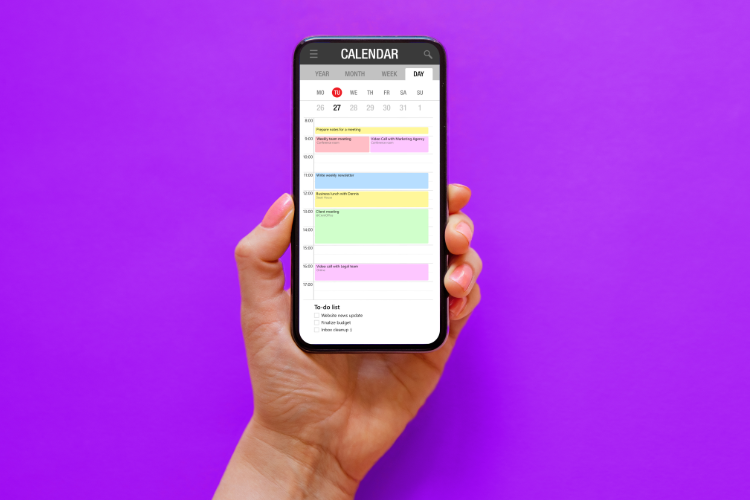
The 60-second answer: iPhone Calendar can display many sources in one timeline, but “merged” does not mean “quiet.” Notification hell appears when every calendar inherits aggressive defaults, shared invites duplicate cues, and you cannot tell what actually requires action. Fix visibility first (subscriptions, colors, hidden layers), then fix alert policy (defaults, calendars-off, Focus), then fix execution (reminders that survive swiping—often chat-based for must-do items).
| This guide fits if… | Skip it if… |
| You added Google/Outlook/work accounts and notifications exploded | You already have stable, minimal alerts across multiple sources |
| You want one combined view without losing boundaries | You only use a single iCloud calendar |
| You care about follow-through, not just seeing events | You want a feature tour with no notification strategy |
Step 1: Merge the view (subscriptions + accounts)
On iPhone, “merge” usually means one app surface with multiple feeds:
- Add accounts in Settings → Calendar → Accounts (iCloud, Google, Microsoft Exchange, etc.).
- Toggle calendars inside the Calendar app: show/hide layers you do not need daily.
- Use color consistently: work vs personal vs family vs “FYI only” should be glanceable.
Goal: a single timeline you trust for where time goes, not seventeen pastel panes of anxiety.
Primary CTA: If logistics still slip after the view is clean, strengthen last-mile reminders: reminder WhatsApp messages.
Step 2: Stop duplicate events from duplicating stress
Common causes:
- Same meeting on two accounts (work invite + personal mirror).
- Shared family calendars + individual copies.
- Imported “holidays” overlapping custom entries.
Practical policy:
- Pick one owner calendar per event type (work owns work blocks).
- Delete or decline mirrors once ownership is clear.
- For all-day noise, hide low-value layers during work Focus.
Step 3: Notification policy (this is the real “merge” upgrade)
Merging calendars without merging alert strategy is how you get 40 pings for 12 real commitments.
Use a three-tier alert model:
| Tier | Examples | iPhone pattern |
| Silent context | Birthdays, sports schedules, optional FYI | Show in calendar; alerts off or banners only |
| Standard commitments | Meetings with join links, appointments | One alert; prefer “time to leave” for travel |
| Execution-critical | Pickups, meds, hard deadlines, handoffs | Start cue + final cue; consider non-app channel |
Rules of thumb:
- Reduce default alerts for noisy calendars (many work accounts ship aggressive reminders).
- Disable alerts on calendars that are informational only.
- Use Focus modes to suppress non-work layers during deep work—without hiding Tier 3 life safety items if needed.
Primary CTA: Automate Tier 3 nudges where response rates are higher: automated reminders on WhatsApp.
Step 4: Widgets and Lock Screen—visibility without spam
Widgets help you see the merged day; they should not replace alert discipline. Prefer:
- one “next up” widget,
- a weekly view for planning,
- strict calendar hides for clutter sources.
Execution chapter: merged calendar ≠ merged life ops
Once the iPhone view is sane, most people still fail for three non-calendar reasons:
- Prep gap: the event exists, but the next action never got time.
- Owner gap: shared events notify the wrong person—or nobody.
- Channel gap: calendar alerts join a pile you swipe under stress.
Execution upgrade pattern:
- Calendar stays source of truth for time.
- Reminders carry next-action clarity (leave now, pack X, pay Y).
- High-risk items get high-response delivery (often chat).
This is where Fhynix-style stacks matter: calendar-first planning with reminders that match real behavior—not another rainbow of banners.
Where Fhynix fits after iPhone merge work
- Unified execution: fewer “we saw it on the calendar but still missed it” failures.
- WhatsApp-forward reminders: for households and professionals who ignore app stacks.
- Operational handoffs: pickups, shifts, and school logistics that punish small misses.
14-day proof test: count (a) duplicate alerts removed, (b) on-time departures for travel blocks, (c) missed handoffs. If (c) stays high, the bottleneck is execution delivery—not calendar merging.