
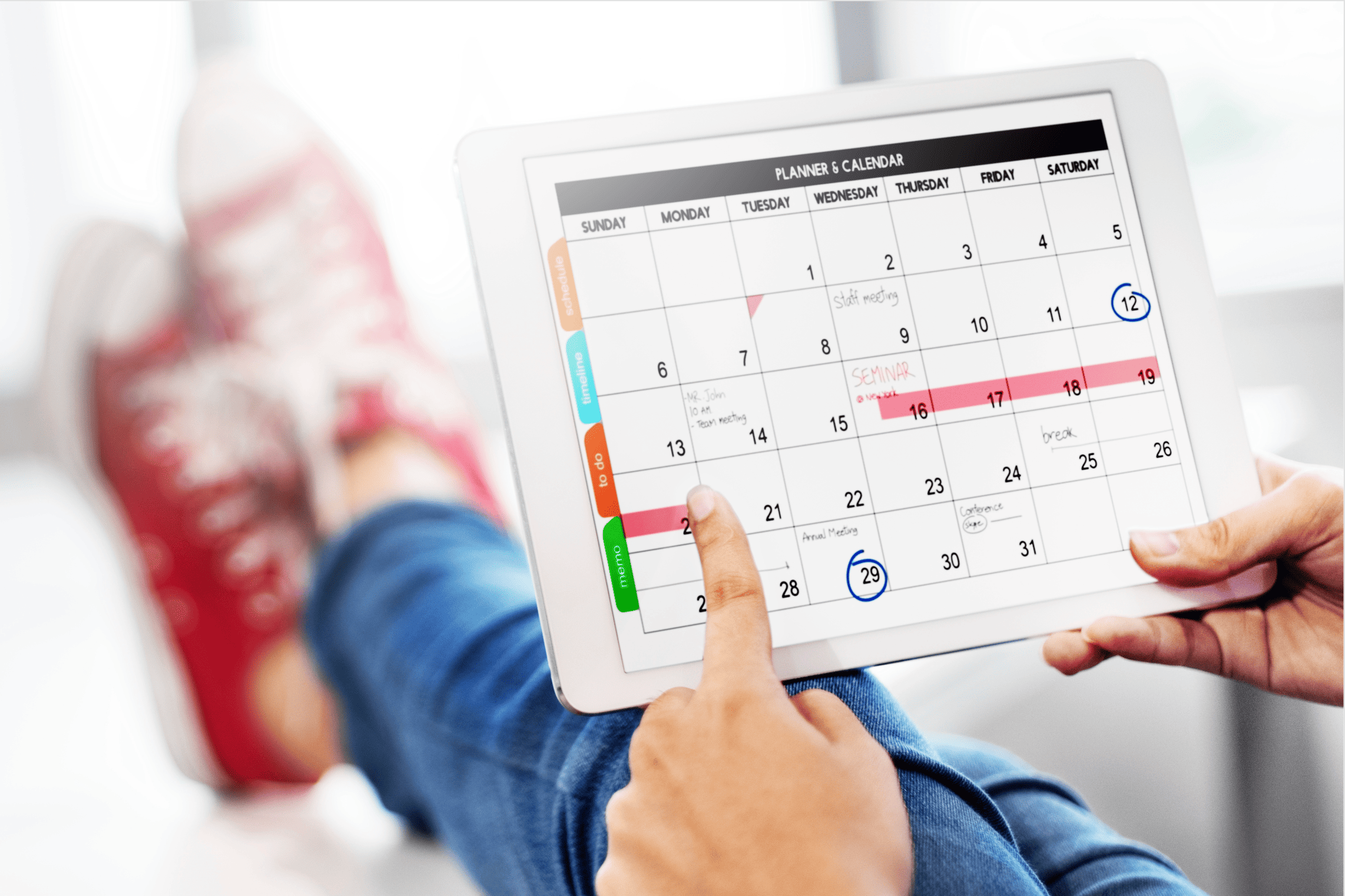
Staring at a long to‑do list and hoping for the best isn’t a plan—it’s a gamble. Learning how to plan your day using a calendar turns chaos into a clear roadmap. This step‑by‑step system will show you exactly how to structure your day, protect your focus, and finally feel in control. Plus, we’ll integrate Fhynix to make the process effortless.
Why a Calendar Beats a Simple To‑Do List
A to‑do list shows what to do. A calendar shows when you’ll do it. That subtle shift makes all the difference. Research indicates that people who schedule tasks in a calendar are 40% more likely to complete them compared to those using only lists (citation:6). By learning how to plan your day using a calendar, you give every task a designated time slot—turning intentions into commitments.
The Step‑by‑Step System: Plan Your Day Like a Pro
Follow these seven steps every morning (or the night before) to master how to plan your day using a calendar. We’ll use Fhynix as the perfect tool, but the principles work with any calendar app.
Before you open your calendar, write down every task, appointment, and errand floating in your head. Use Fhynix’s quick‑capture (text or voice) so nothing slips through. This clears mental RAM and gives you raw material to schedule.
Look at your brain dump and pick the three tasks that will make today a success if completed. These are non‑negotiable. In Fhynix, you can star them or move them to the top of your list—they’ll be the first to get calendar real estate.
Start with the immovable: meetings, appointments, lunch breaks, pickup times. Enter them into Fhynix (which syncs with Google/Apple calendars). Now you see your actual available time.
Protect your peak focus hours. Drag your “big three” onto the calendar as time blocks. Be realistic: a complex report needs 90 minutes, not 30. Fhynix lets you set duration and even suggests ideal times based on your energy patterns (citation:10).
Use remaining open slots for quick wins—emails, calls, admin. Don’t schedule every minute; leave buffer space (15–30 min) between blocks for overflows and breaks. In Fhynix, you can create “flexible” tasks that live in a sidebar, ready to fill gaps.
Native calendar alerts are good, but Fhynix takes it further: it sends WhatsApp reminders 24h and 10min before every scheduled block. This ensures you never forget a planned focus session (citation:2)(citation:3).
Spend 5 minutes reviewing what got done and what moved. Drag unfinished priority tasks to tomorrow’s calendar. Fhynix automatically logs completed blocks, so you can see how accurately you estimated time.
📅 Example: A perfectly planned day in Fhynix
09:00‑10:30 Write report (deep work)
10:30‑10:45 ☕ Break
11:00‑12:00 Team meeting
12:00‑13:00 Lunch
13:00‑14:00 📧 Emails & calls
14:00‑15:30 Project research
15:30‑16:00 Buffer / overflow
16:00‑17:00 Plan tomorrow, wrap up
✅ Every important task has a home. The WhatsApp reminder (bottom) ensures you transition into the block on time. No more losing hours to distraction.
Common Calendar Planning Mistakes (and How to Avoid Them)
| Mistake | Fix |
|---|---|
| Packing every minute back‑to‑back | Always leave 15–30 min buffers. Fhynix can auto‑insert buffers between blocks. |
| Ignoring energy levels | Schedule hard tasks during your peak hours. Fhynix learns your patterns and suggests optimal times (citation:10). |
| Forgetting to schedule personal time | Block workouts, family time, and breaks—they’re just as important as meetings. |
| Not reviewing the plan | Do a 5‑min evening review. Fhynix’s daily summary shows what you accomplished. |
How Fhynix Elevates Your Calendar Planning
Fhynix is more than a calendar—it’s an AI‑powered planner designed to make the step‑by‑step system automatic. Here’s what sets it apart:
- Two‑way sync: Connect Google, Apple, or Outlook calendars. All your events appear in Fhynix, and Fhynix blocks appear in your native calendar.
- WhatsApp integration: Get reminders as messages in the app you check most. Studies show WhatsApp reminders have 70% higher engagement than standard alerts (citation:6).
- AI time estimates: Fhynix learns how long tasks actually take and suggests realistic durations when you schedule.
- Task‑to‑block conversion: Drag any task from your list onto the calendar to instantly create a time block. No re‑typing.
- Shared calendars: Perfect for families or teams—everyone sees the plan and gets WhatsApp reminders for shared events (citation:8).
📊 User insight: Fhynix users who follow a daily calendar plan report a 50% reduction in “what now?” moments and finish their top priorities 2x as often (citation:3).
Adapting the System for Different Roles
- 👩💻 Remote worker / creative: Use time blocking for deep work (3‑4 hours) and schedule communication in two short windows. Let Fhynix WhatsApp reminders protect your flow.
- 👨👩👧 Parent: Block family hours first (school run, dinner, activities). Then fit work around them. Shared Fhynix calendar keeps everyone aligned.
- 🎓 Student: Schedule classes, then study blocks (using the Pomodoro technique). Fhynix can remind you of assignment due dates via WhatsApp.
- 🧑💼 Manager: Block “prep time” before each meeting, and use the remaining slots for deep work on strategy. Delegate smaller tasks from your list.
Frequently Asked Questions
Once you’re used to it, 10‑15 minutes in the morning (or 5 minutes the night before) is enough. Fhynix speeds this up with AI suggestions and drag‑and‑drop.
That’s normal. Keep a “flexible tasks” sidebar (Fhynix has one) for new requests. If they’re urgent, reschedule a lower‑priority block to another day. Don’t abandon the whole plan.
Paper works, but digital (especially Fhynix) gives you reminders, easy rescheduling, and sync across devices. Paper is static and easy to ignore.
Yes, Fhynix offers a generous free tier with unlimited task capture and calendar blocks. Pro plans add advanced analytics and external calendar sync.
Ready to take control of your day? Try Fhynix free →