
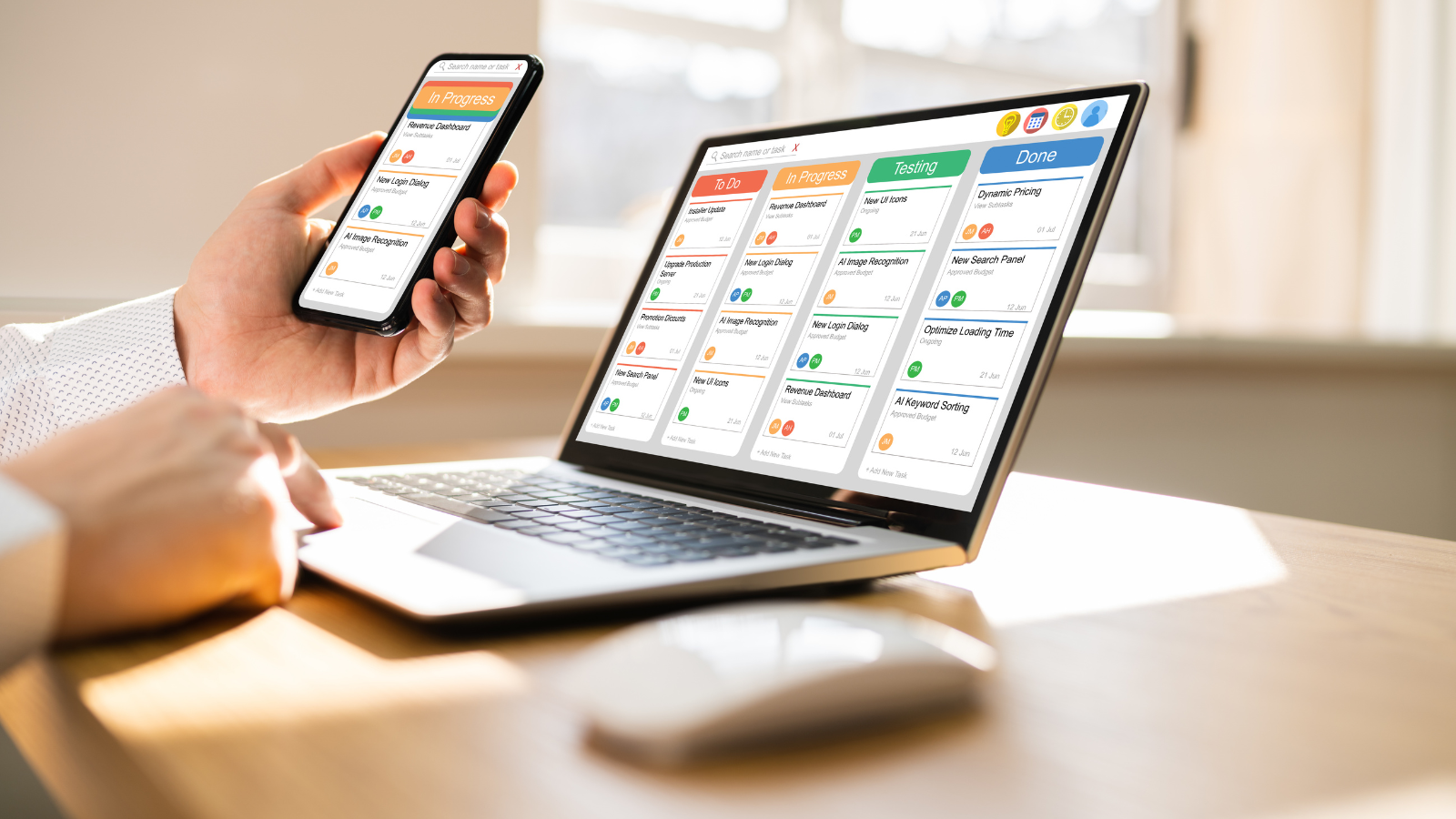
The 9-to-5 workday is dead. Between shift workers juggling rotating schedules, remote teams spanning multiple time zones, and hybrid arrangements that change weekly, traditional scheduling methods can’t keep up. A missed shift costs money. A scheduling conflict ruins trust. And constantly checking multiple apps to know when you work is exhausting.
Work schedule apps have become essential infrastructure for modern employment. But most tools are built for either shift workers or remote teams—rarely both. And almost none integrate your work schedule with your actual life, leaving you to manually coordinate childcare, gym time, and family dinners around an ever-changing work calendar.
This guide explores what makes a work schedule app truly useful, which features matter for different work arrangements, and how to choose a tool that manages your professional commitments without sacrificing your personal life.
Why Work Schedule Apps Matter More Than Ever
The Reality of Modern Work Schedules
Traditional employment followed predictable patterns. You knew your hours weeks in advance. Your schedule rarely changed. Life could be planned around work with reasonable confidence.
That world is gone. Today’s workers face:
- Rotating shifts that change weekly or daily
- On-call requirements with unpredictable activation
- Split shifts with gaps in the middle of the day
- Remote work with flexible hours across time zones
- Hybrid schedules alternating between home and office
- Gig work with self-scheduled availability
- Multiple jobs requiring careful coordination
Without a robust work schedule app, you’re constantly checking texts, emails, posted schedules, and internal platforms just to answer the simple question: “When do I work this week?”
The Real Cost of Scheduling Chaos
Poor scheduling tools don’t just cause minor inconvenience—they create serious problems:
For Workers:
- Missed shifts leading to disciplinary action or job loss
- Impossible personal planning (childcare, appointments, commitments)
- Constant anxiety about schedule conflicts
- Inability to establish healthy routines
- Work-life balance that’s purely theoretical
For Teams:
- No-shows and last-minute coverage scrambles
- Overtime costs from scheduling inefficiency
- Reduced morale and increased turnover
- Communication breakdowns between shifts
- Compliance issues with labor regulations
The right work schedule app prevents all of this while actually improving how people work and live.
Essential Features in Work Schedule Apps
Not every scheduling tool handles real-world complexity. Here’s what actually matters:
1. Shift Management for Variable Schedules
If you work shifts, your schedule app must handle:
- Rotating shift patterns (day shift → night shift → off days)
- Shift swapping with manager approval
- Availability management so schedulers know when you can work
- Overtime tracking to monitor hours and prevent violations
- Multiple job schedules in one unified view
Generic calendar apps break down immediately when faced with 12-hour rotating shifts or split schedules. You need a tool that treats shifts as distinct from regular appointments.
2. Calendar Timeline Integration
Here’s where most work schedule apps fail: they show you when you work, but not how that fits with the rest of your life.
Your work schedule shouldn’t exist in isolation. The best apps integrate work shifts directly into your full daily timeline, showing:
- Work shift from 6 AM – 2 PM
- Kids’ school pickup at 3 PM
- Gym session at 4 PM
- Family dinner at 7 PM
This unified view reveals the truth: whether your schedule is actually sustainable. When your work schedule and personal commitments share the same timeline, you can see conflicts before they become crises. This calendar-first approach to time management for work-life balance is essential for modern workers.
3. Multi-Device Sync with Offline Access
Work schedule apps must work everywhere you are:
- Phone for quick checks
- Tablet for detailed planning
- Desktop for deep work
- Wearables for glanceable information
Critically, offline access matters. You can’t rely on connectivity in basements, remote locations, or during commutes. Your schedule needs to be accessible always—even without internet.
4. Smart Notifications That Don’t Overwhelm
The notification strategy makes or breaks a work schedule app:
What works:
- Shift reminders 24 hours in advance
- Last-minute schedule changes pushed immediately
- Pre-shift reminders 1 hour before clock-in
- End-of-shift notifications for transition planning
What doesn’t work:
- Constant pings for every minor update
- Generic notifications that blend into background noise
- No differentiation between urgent and routine information
The best work schedule apps use multiple notification channels. WhatsApp reminders for critical schedule changes work better than in-app notifications because people actually see them. Daily reminders matter particularly for shift workers whose schedules vary constantly.
5. Team Coordination Features
For remote teams and shift workers alike, coordination is everything:
- Shared visibility into who’s working when
- Time zone support so distributed teams can coordinate
- Shift coverage requests when someone can’t work
- Team communication tied to specific shifts or projects
- Manager oversight without micromanagement
Remote work requires different coordination than shift work, but both need clarity about availability and overlap.
6. External Calendar Integration
Your work schedule app must integrate with:
- Google Calendar (most common for business)
- Apple Calendar (personal device integration)
- Outlook (corporate environments)
- Other scheduling platforms your employer uses
Without integration, you’re manually copying information between systems—defeating the entire purpose of the app.
7. Flexibility for Different Work Arrangements
The same person might need different scheduling approaches:
- 9-to-5 office days: Standard calendar blocks
- Remote work days: Flexible time blocks with output focus
- Shift work: Specific clock-in/clock-out times
- On-call periods: Availability windows with alerts
- Freelance projects: Deadline-driven scheduling
Your work schedule app should handle all of these without requiring multiple tools.
How Fhynix Handles Work Schedules Differently
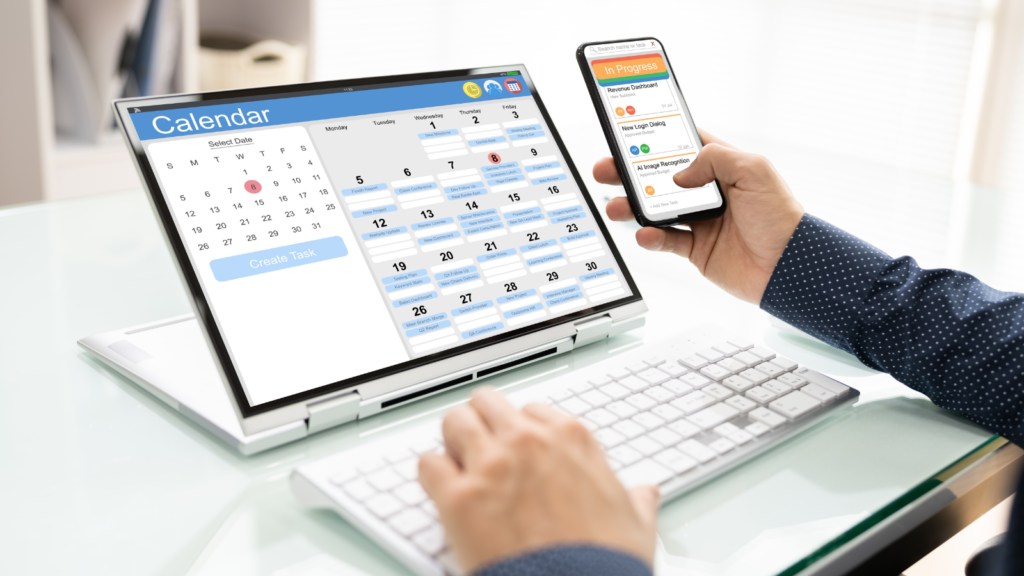
Fhynix is built for the reality of modern work—whether you’re a shift worker, remote employee, or hybrid professional. Instead of treating your work schedule as a separate silo, Fhynix weaves it into your complete daily timeline.
By integrating with Google, Apple, and Outlook calendars, Fhynix becomes the single source of truth for your professional and personal life. It helps shift workers build daily routines around irregular hours and helps remote teams coordinate without chaos.