

If you’ve ever stood in front of your fridge at 6pm wondering “what’s for dinner?” for the third time this week, you know the problem: meal planning sounds great in theory but feels impossible in practice.
The result? Expensive takeout orders, wasted groceries, and the guilt of eating the same three meals on repeat.
But here’s what most meal planning articles miss: you don’t need a complicated system with color-coded spreadsheets and Pinterest-perfect prep containers. You need something simple enough to actually use when you’re tired on a Tuesday evening.
This guide looks at practical weekly meal planner approaches that real people use — from simple apps to basic spreadsheets — and why the best system is usually the simplest one.
Why Most Weekly Meal Planners Get Abandoned
The pattern repeats itself constantly: someone discovers meal planning, spends hours creating the perfect system, uses it for two weeks, then abandons it when life gets busy.
Here’s what usually goes wrong:
- Over-planning creates decision fatigue — Planning every single meal and snack for seven days straight feels overwhelming. When Sunday meal prep takes three hours, it becomes unsustainable.
- Rigid plans don’t survive reality — You planned salmon for Wednesday, but you’re exhausted and the thought of cooking makes you want to cry. When your meal plan can’t adapt, you abandon it.
- Recipe hunting wastes time — Spending 45 minutes searching for new recipes every week defeats the purpose of saving time.
- Grocery lists get complicated — Converting recipes into shopping lists, checking what you have, organizing by store section — it all becomes another job.
- Prep containers take over the fridge — Making seven different meals means washing dozens of containers and losing fridge space.
The best weekly meal planner reduces decisions instead of adding complexity.
What Makes a Good Weekly Meal Planner?
Based on what actually works for busy people:
- Reuses favorite meals — You don’t need new recipes every week. A rotating selection of 15-20 reliable meals prevents decision fatigue.
- Adapts to what you have — Good planners start with ingredients already in your kitchen, reducing waste and grocery costs.
- Allows flexibility — Plans should guide, not dictate. Swapping Wednesday’s chicken for Thursday’s pasta shouldn’t require rebuilding your entire week.
- Generates shopping lists automatically — The planner should tell you what to buy, not force you to manually compile lists.
- Takes under 20 minutes weekly — If planning takes longer than that, you’ll skip it when busy.
- Works with your actual schedule — Busy weeknight? Simple meals. Free Saturday? Time for something more involved.
For those exploring meal planner template 5 pre-built healthy and quick picks, these principles separate systems that stick from plans that get abandoned.
Weekly Meal Planner Options That Actually Work
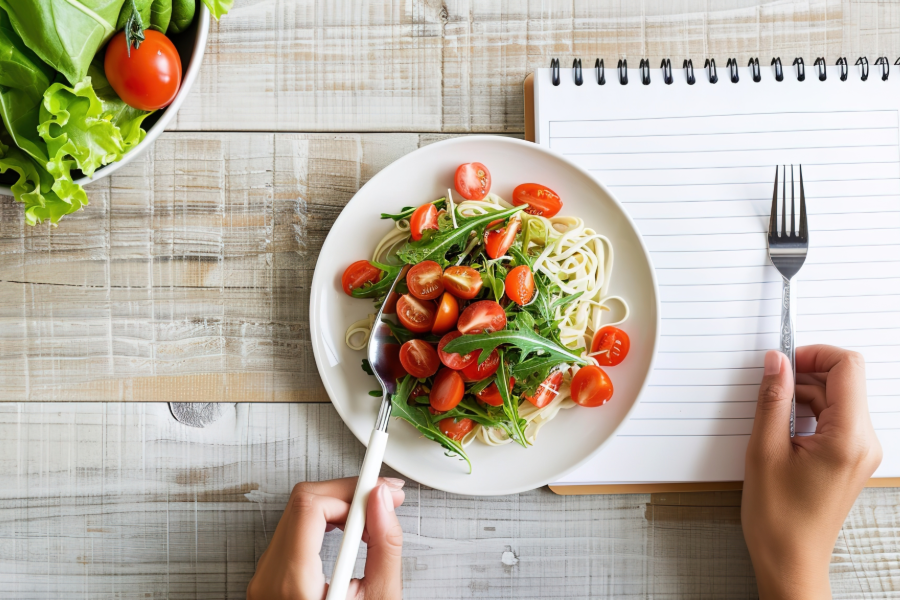
1. Fhynix — Meal Planning Integrated with Your Daily Schedule
Best for: People who want meal reminders alongside their daily tasks
While most meal planners exist separately from your calendar, Fhynix integrates meal planning into your daily timeline.
How it works:
- Add meals as daily tasks — “Prep chicken at 5pm” appears in your schedule with reminders
- Voice and text input — Quickly add “make chili tonight” without opening separate apps
- WhatsApp reminders — Get cooking reminders where you actually see them
- Flexible rescheduling — When plans change, moving meals around is simple
Unlike standalone meal planning apps that you forget to check, Fhynix puts meals directly in your daily view alongside work meetings and errands. You’re already checking your schedule — why use a separate app for meal planning?
This approach works particularly well for people who struggle with the “when do I actually cook this?” problem. The meal isn’t just on a list somewhere; it’s scheduled in your actual day.
For those seeking best daily routine applications that include meal planning, integrating everything in one timeline prevents meals from becoming an afterthought.
2. Google Sheets — The Customizable Classic
Best for: People who want complete control and don’t mind spreadsheets
A simple Google Sheet remains one of the most popular meal planning tools because it’s infinitely customizable.
What works:
- Completely free
- Access from any device
- Share with family members
- Color-code by dietary preferences (vegan, vegetarian, meat, fish)
- List main ingredients next to each meal
- Create tabs for cabinet stock, recipes, shopping lists
One user explained their system: “I have the name of the dish… Next to the dish name are the main ingredients. Each dish is color coded to the corresponding dietary base.”
The approach:
- Sheet 1: What’s always in your kitchen
- Sheet 2: Weekly meal rotation
- Sheet 3: Shopping list template
- Sheet 4: Favorite spice combinations
This system helped one household drop their grocery bill to $70-100 weekly for two people by becoming an “ingredient household” — buying base ingredients instead of pre-made foods.
The downside? No automatic reminders, requires manual updates, and takes initial time to set up. But once created, it’s yours forever.
3. Paprika Recipe Manager — Digital Recipe Organization
Best for: People who save recipes from multiple sources
Paprika captures recipes from websites, creates shopping lists, and organizes meal plans in one app.
Advantages:
- Save recipes from any website
- Automatic grocery list generation
- Meal calendar view
- Syncs across devices
- Scales recipes automatically
Limitations:
- One-time purchase ($5-20 depending on platform)
- Learning curve for full features
- Requires actively saving recipes
Paprika excels at organizing the recipes you already love rather than discovering new ones.
4. Pen and Paper — The Analog Winner
Best for: People who find apps distracting
Don’t underestimate a simple notebook divided into sections:
- Monday-Sunday columns with dinner ideas
- Shopping list section
- Recipes to try page
- Pantry staples reminder
Why it works:
- Zero learning curve
- No apps to forget checking
- Visible on your fridge
- Completely customizable
- Free
Many successful meal planners use paper precisely because it’s always visible and requires no digital maintenance.
For combining analog and digital approaches, check out how to make a to-do list for hybrid strategies.
5. eMeals — Pre-Made Meal Plans
Best for: People who want zero planning effort
eMeals provides complete weekly meal plans based on dietary preferences and store sales.
What you get:
- Seven dinners planned weekly
- Automatic shopping lists
- Recipe instructions
- Plans based on where you shop
The catch:
- Subscription required (~$5-10/month)
- Less flexibility
- Requires cooking skills
- May suggest unfamiliar recipes
eMeals works when you want someone else to do all the planning, but it removes the customization that makes meal planning sustainable long-term.
The “Ingredient Household” Approach That Cuts Costs
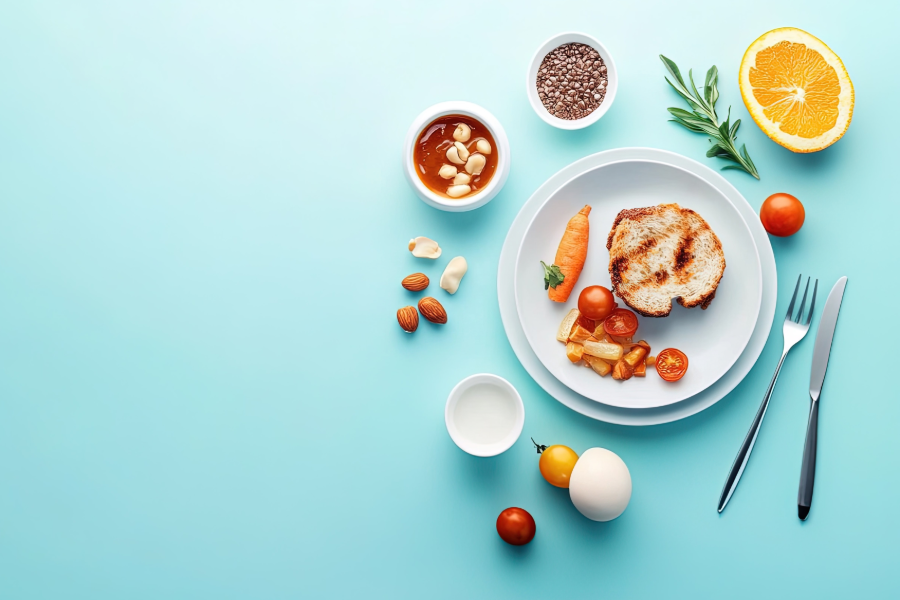
One of the most practical meal planning insights from real users: focus on ingredients, not pre-made foods.
Instead of buying:
- Marinara sauce → Buy canned tomatoes, garlic, herbs
- Teriyaki sauce → Soy sauce, ginger, garlic, brown sugar
- Salad dressing → Oil, vinegar, spices
- Cookie dough → Flour, sugar, butter, chocolate chips
Why it works:
- Ingredients are cheaper than prepared foods
- Fewer preservatives and processed additives
- More flexible (ingredients work across multiple meals)
- Reduces grocery bills significantly
This approach requires learning basic cooking techniques but pays off in both health and budget. For those interested in how to plan effectively with ADHD, ingredient-based cooking reduces decision points since you’re working with familiar bases.
The Batch Cooking Alternative
Instead of planning seven different dinners, many successful meal planners use a rotation approach:
How it works:
- Make one large batch meal (chili, soup, casserole)
- Eat it 2-3 ways over several days
- Make another batch when the first runs out
Example:
- Day 1: Chili with cornbread
- Day 2: Chili over baked potato
- Day 3: Chili in burrito bowls
- Day 4: New batch meal (roasted chicken)
This reduces both cooking time and fridge container chaos while preventing the feeling of eating identical meals repeatedly.
What Actually Saves Money (Beyond the Planner)
The planner is just a tool. Here’s what actually reduces grocery spending:
- Shop your pantry first — Plan meals around what you already have before buying new ingredients.
- Keep a rotation of 15-20 reliable meals — New recipes every week wastes time and often requires specialty ingredients you’ll use once.
- Buy seasonal produce — It’s cheaper and tastes better.
- Prep components, not complete meals — Cook rice, chop vegetables, marinate protein. Assemble meals fresh.
- Accept repetition — Eating similar meals weekly isn’t boring if you enjoy them.
These habits matter more than which planner you choose. For broader organization strategies, explore time management tools and techniques to plan smarter.
Final Thoughts
The best weekly meal planner is the one you’ll actually use in week 37, not just week 1.
It might be Fhynix with integrated scheduling. It might be a Google Sheet you customize once. It might be a notebook on your fridge.
Start simple: plan just dinners for the week. Use meals you already know how to make. Shop once. Adjust as you learn what works.
The goal isn’t Instagram-perfect meal prep containers. It’s reducing the 6pm dinner panic, cutting grocery costs, and eating food you actually enjoy.
Pick one approach, try it for a month, and see if it makes your life easier. That’s the only metric that matters.
FAQ
What is a weekly meal planner?
A weekly meal planner is a system (app, spreadsheet, or paper) that helps you organize what meals you’ll cook each week, what ingredients you need, and when you’ll prepare them. Good planners reduce decision fatigue and grocery costs.
What’s the best free weekly meal planner?
Google Sheets offers complete customization for free. Fhynix integrates meal planning with your daily schedule. Paper planners work well for people who prefer visible, analog systems. The best option depends on whether you want digital reminders or complete control.
How do I start meal planning if I’ve never done it?
Start with just dinners for one week. List 7 meals you already know how to make. Write the ingredients you need. Shop once. Cook through the week. Don’t try to plan breakfasts, lunches, and snacks immediately — that’s overwhelming.
How can meal planning save money?
Planning prevents impulse takeout orders, reduces food waste from forgotten ingredients, and helps you shop sales strategically. Focusing on “ingredient households” rather than pre-made foods can cut grocery bills by 30-50%.
Do I need different meals every night?
No. Many successful meal planners make one large batch and eat it 2-3 ways over several days, then make a new batch. This saves time, reduces dishes, and still prevents boredom. Check out daily routine template for integrating meal patterns into your schedule.