
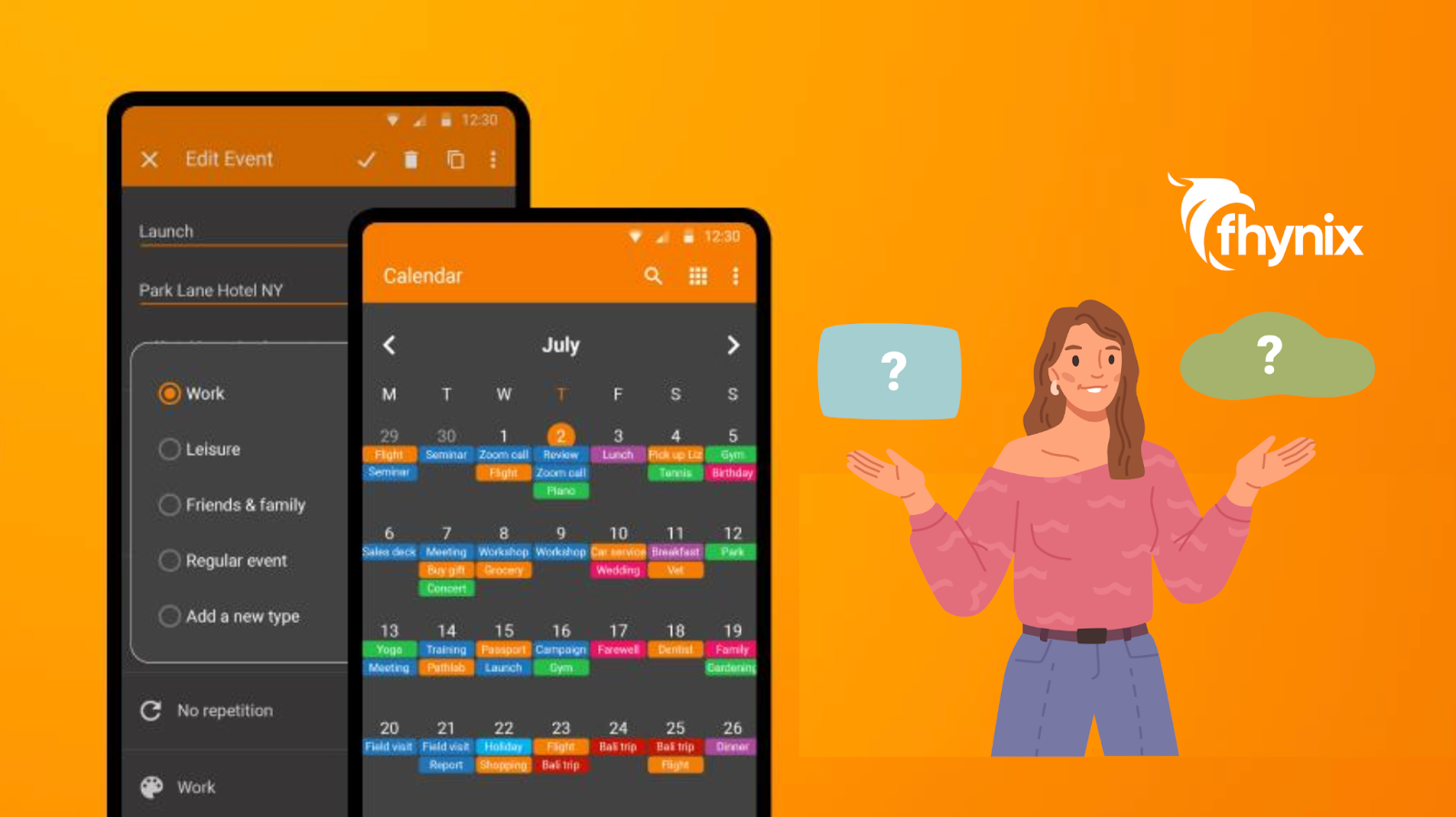
A calendar is more than just a tool to mark dates, it’s the backbone of effective time management. Whether you’re managing work tasks, personal commitments, or growth routines, having a clear, organized, and calendar-first approach is crucial. A well-structured calendar reduces stress, improves focus, and ensures that nothing important slips through the cracks.
Minimalist calendar apps, like Simple Calendar Pro, appeal to users who want a clean interface without distractions. The main idea is to provide a simple, functional timeline for events while allowing you to focus on what matters most.
This approach aligns with modern productivity principles: tasks, events, and routines should be integrated into one visual timeline, reducing the need to jump between separate apps or lists.
While Simple Calendar Pro offers a solid foundation, understanding its features, limitations, and the options available can help you decide whether it fits your planning needs, or if a more comprehensive, unified planner is right for you.
Overview of Simple Calendar Pro
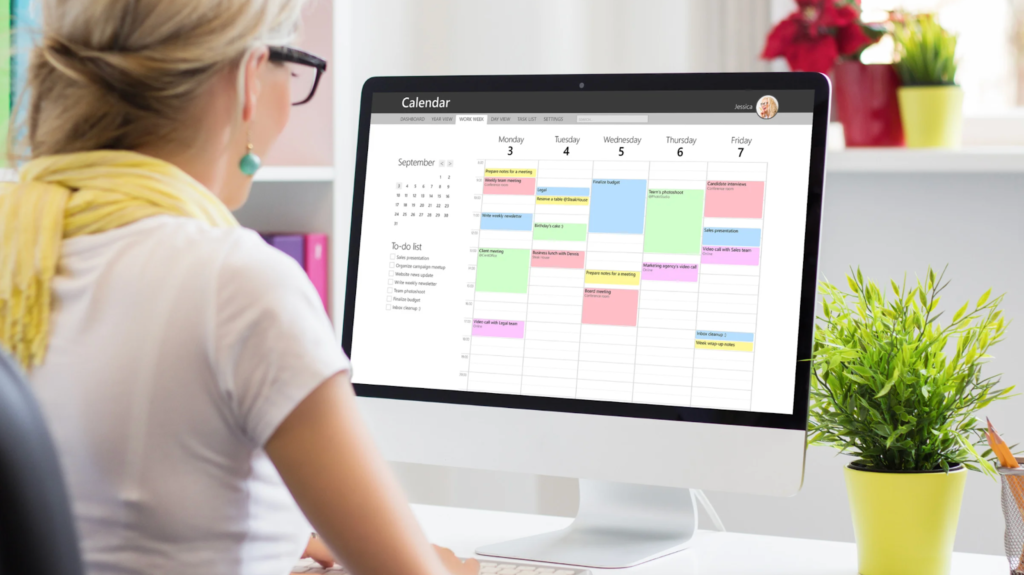
Simple Calendar Pro is a lightweight, minimalist digital calendar designed for users who prefer straightforward, no-frills scheduling. It is primarily available on Android and focuses on providing a clean interface for event management.
Core Features
- Event Creation: Add one-time or recurring events easily with customizable details
- Reminders: Set notifications to ensure appointments aren’t missed
- Recurring Tasks: Support for daily, weekly, or monthly repetitions
- Offline Access: Works without an internet connection, storing data locally
- Interface: Simple, uncluttered layout that prioritizes ease of use
Supported Platforms
Currently, Simple Calendar Pro is mainly available for Android devices. Its minimalist design emphasizes lightweight performance, ensuring fast operation and low storage usage.
User Interface and Ease of Use
The app’s clean interface makes it accessible even for first-time users. Events are displayed in a basic timeline or list view, with minimal extra features. This simplicity reduces the learning curve and allows users to focus directly on scheduling rather than configuring the app.
Pros of Simple Calendar Pro
Simple Calendar Pro has several strengths that make it appealing for users seeking a basic, lightweight planner.
Minimalistic Interface
The clean, distraction-free layout ensures users can focus entirely on their events. No unnecessary decorations or complex menus are included.
Lightweight and Fast
The app is quick to load and responsive even on devices with limited resources.
Offline Access
Because it stores data locally, you can access your calendar and add events without needing an internet connection.
Recurring Event Support
Setting up repeating events, such as weekly meetings or monthly reminders, is straightforward.
Overall, Simple Calendar Pro excels in simplicity, speed, and usability, making it ideal for users who prefer minimal distractions.
Limitations of Simple Calendar Pro
Despite its strengths, Simple Calendar Pro has limitations, especially when compared to modern, unified calendar-first planners:
No AI or Voice Input
Unlike advanced tools, it lacks AI or voice input options, which means every task must be typed manually. This can slow down the planning process, especially when you’re on the go.
Limited External Integrations
The app doesn’t connect easily with other calendars, such as Google, Microsoft, or Apple, making cross-platform management more challenging.
No Smart Reminders
While basic notifications exist, the app does not support advanced reminder options like WhatsApp alerts or context-based notifications that adapt to your schedule.
No Habit Tracking or Growth Features
There’s no support for recurring personal routines, habit tracking, or growth-focused tasks. Users seeking a more holistic approach to daily routine planning may find this limiting.
Tasks Separate from Calendar
One of the biggest limitations is that tasks and events aren’t unified in a single timeline. You still need to manage them separately, which defeats the purpose of having a truly integrated planning system.
These limitations highlight that while Simple Calendar Pro is excellent for basic scheduling, users looking for a comprehensive, unified daily planner might require additional features.
Features to Look for in a Calendar App

When considering a calendar app, think about features that go beyond simple scheduling. A calendar-first approach ensures tasks, events, and routines are integrated seamlessly.
Unified Daily Timeline
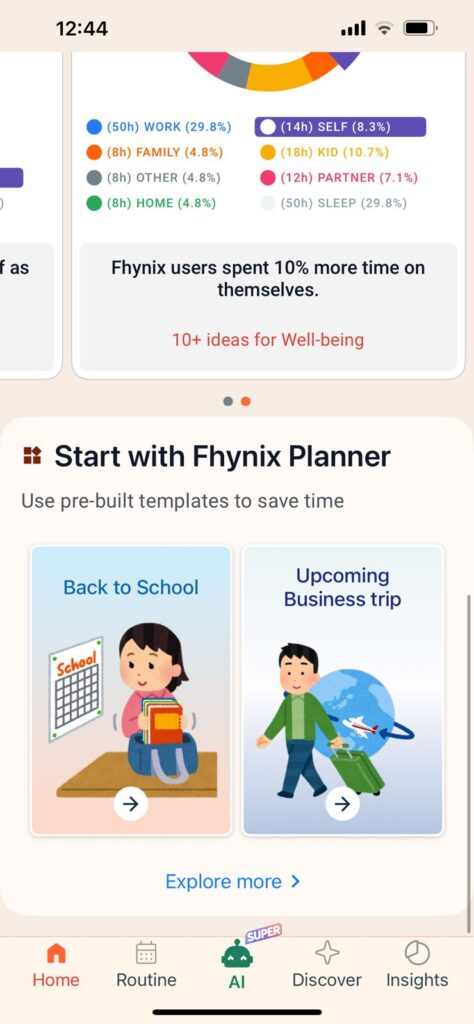
Tasks and events should appear directly in your daily schedule so that everything is visible at a glance. This is the core principle of effective time management, seeing your entire day in one place.
Smart Reminders
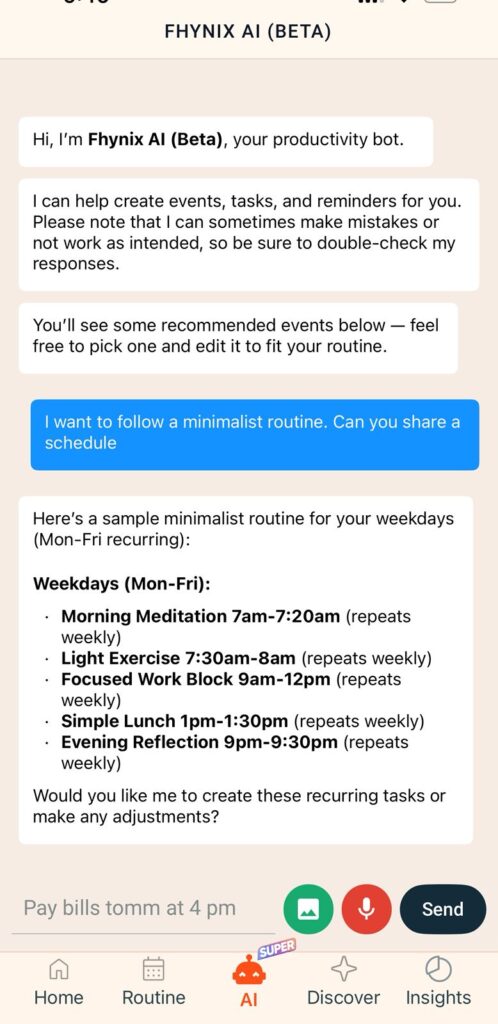
Reminders should be flexible and timely, ensuring you don’t miss important tasks without overwhelming you with alerts. Advanced options like WhatsApp integration can make reminders more reliable and harder to ignore.
Recurring Routines and Habits
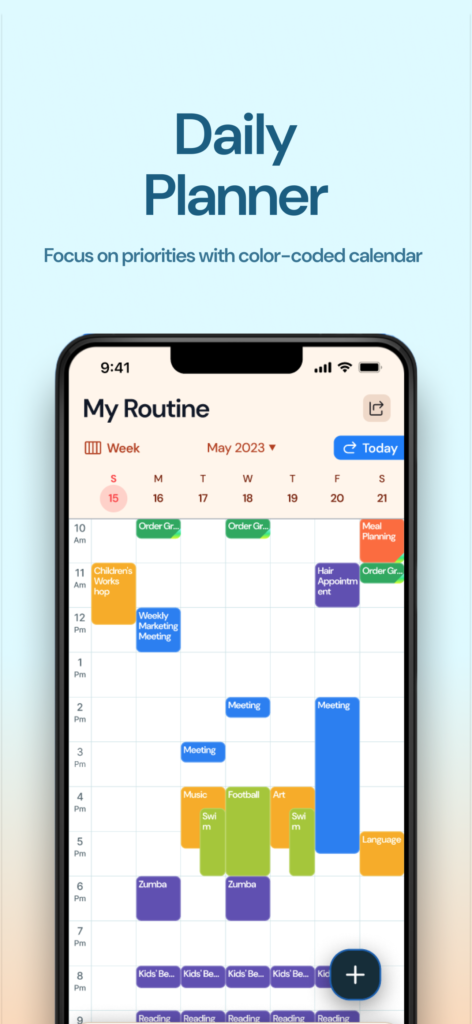
Building consistency requires recurring events, whether it’s workouts, study sessions, or growth activities. Habit tracking should be built directly into your calendar, not managed in a separate app.
AI and Voice Task Input
Adding tasks via voice or natural language input saves time and ensures nothing is forgotten. Simply say “Pay bills tomorrow at 4 pm” and your planner should understand and schedule it automatically.
Device and Platform Compatibility
Apps should sync across multiple devices so your schedule is always accessible, whether on mobile, tablet, or desktop. Integration with Apple Watch or other wearables adds another layer of convenience.
Color-Coded Visual Clarity
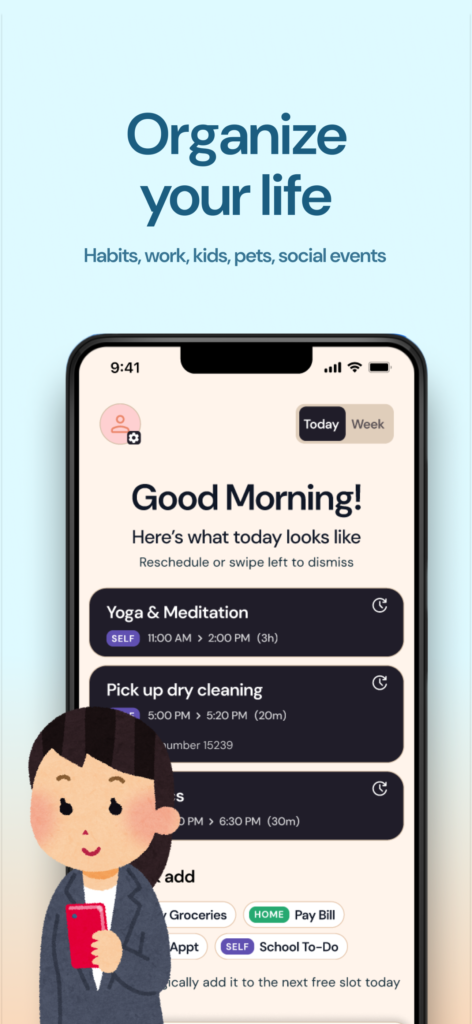
Easily differentiate between work, personal, fitness, and family commitments without cluttering the interface. Visual organization helps you understand your day at a glance.
Choosing a planner with these features ensures your calendar is not only functional but also supports your overall productivity and well-being.
Best Alternative to Simple Calendar Pro: Fhynix
If you’re looking for a tool that combines simplicity with advanced functionality, Fhynix offers a calendar-first, unified approach that addresses all the limitations of Simple Calendar Pro.
Why Fhynix Stands Out
- Unified Timeline: Unlike apps that separate tasks from events, Fhynix brings your to-dos directly into your calendar timeline. Everything, tasks, events, habits, and routines, appears in one visual schedule. This is the true calendar-first approach.
- AI and Voice Input: Simply type or speak your tasks naturally. Say “Pay bills tomorrow at 4 pm” or “Gym every Monday at 6 am” and Fhynix’s AI understands and schedules it automatically. No manual date picking or form filling required.
- WhatsApp Reminder Integration: Fhynix sends reminders via WhatsApp (for calendar events) in addition to in-app notifications, ensuring you never miss important commitments. The default reminder comes approximately 24 hours in advance, plus a “10 mins before” alert.
- Color-Coded Calendar: Distinguish between work, personal, fitness, and family activities with automatic color coding. Your day becomes visually clear and easy to navigate.
- Habit and Routine Tracking: Build consistency with recurring tasks and habit tracking built directly into your calendar. Track daily goals, monitor trends, and get productivity insights, all in one place.
- External Calendar Integration: Connect Google, Microsoft, and Apple calendars so all your events appear in one unified view. No more jumping between apps.
- Smart Scheduling Features: Upload images (like holiday schedules or event flyers) and let AI convert them into calendar events. Bulk entry support makes planning faster.
- Cross-Platform Support: Available on iOS (with Apple Watch support) and Android (with offline support). Your schedule syncs seamlessly across all devices.
How Fhynix Follows the Calendar-First Philosophy
Traditional planners separate your to-do list from your calendar, forcing you to mentally combine them. Fhynix eliminates this friction by making tasks part of your daily schedule from the start. When you add a task, it appears directly in your timeline alongside events and routines.
This approach aligns with how successful people actually plan their days, by blocking time for specific tasks rather than maintaining an endless, abstract to-do list.
Who Benefits Most from Fhynix
- Students: Track classes, assignments, and study sessions in one timeline. The voice input feature is perfect for quickly adding tasks between classes.
- Freelancers: Manage client work, deadlines, and personal development efficiently with color-coded categories and smart reminders.
- Professionals: Balance meetings, focused work blocks, and skill-building activities without juggling multiple apps.
- Parents: Coordinate family routines and personal commitments with shared calendar features. The WhatsApp reminders ensure nothing falls through the cracks.
- Anyone Building Better Habits: Whether you’re establishing a workout routine, learning a new skill, or improving your morning routine, Fhynix’s integrated habit tracking keeps everything visible in your daily timeline.
How to Choose the Right Calendar App for You
Choosing the right calendar app requires understanding your planning style and priorities.
Assess Your Needs
Determine whether you need a lightweight, distraction-free planner or a comprehensive tool that integrates tasks, habits, and growth routines. If you find yourself using multiple apps to manage your day, a unified planner will simplify your life.
Look for Calendar-First Design
Tasks and events should live in a single, unified timeline. Avoid apps that separate your to-dos from your schedule, this creates mental overhead and makes planning feel like a chore.
Prioritize Usability
Your planner should be easy to use daily. Features like AI-assisted task entry, recurring events, and smart reminders simplify planning without adding complexity.
Balance Aesthetics and Functionality
A visually appealing layout increases engagement, but functionality should never be sacrificed for looks. Minimalism often works best for clarity and usability.
Consider Your Work Style
If you have ADHD or struggle with traditional planning methods, look for features specifically designed to support focus and follow-through. Visual timelines and persistent reminders can make a significant difference.
By considering these factors, you can select a tool that enhances productivity while keeping planning stress-free and consistent.
Tips for Maximizing Your Calendar Use
Even the best calendar app requires smart usage to be effective:
- Add Tasks Consistently: Log tasks as soon as they arise to avoid forgetting important items. Use voice input when you’re on the go.
- Color-Code Strategically: Use a consistent color system to differentiate work, rest, and personal growth tasks. Visual distinction helps you balance your day.
- Review Daily: At the start or end of each day, check your timeline and adjust tasks as needed. This habit takes just a few minutes but dramatically improves follow-through.
- Incorporate Breaks and Growth: Don’t schedule only work; plan downtime and skill-building activities. A balanced calendar leads to sustainable productivity.
- Leverage Smart Reminders: Use notifications for critical events but avoid excessive alerts that disrupt focus. Find the right balance for your work style.
- Time Block Your Tasks: Instead of just listing tasks, assign them specific time slots in your calendar. This transforms abstract to-dos into concrete commitments.
These habits ensure your calendar becomes an actionable tool rather than a passive list of tasks.
Conclusion: Making Your Calendar Work Smarter
Simple Calendar Pro is an excellent lightweight tool for users who value minimalism and basic event management. Its clean interface, offline access, and recurring event support make it reliable for straightforward scheduling.
However, for those seeking a more holistic calendar-first approach, Fhynix offers advanced features without sacrificing simplicity. Tasks, events, habits, and growth activities all appear in a single visual timeline, with smart reminders, voice input, and WhatsApp notifications to keep you on track.
The key difference is philosophy: Simple Calendar Pro manages events, while Fhynix manages your entire day. By bringing to-dos directly into your calendar timeline, Fhynix eliminates the mental overhead of juggling multiple apps and creates a unified planning experience.
Ultimately, choosing the right calendar app is about matching your planning style with the features you need. A calendar that combines clarity, aesthetics, and functionality will help you stay organized, productive, and balanced, turning planning from a chore into an enjoyable and effective habit.
Ready to experience the calendar-first approach? Try Fhynix and see how a unified timeline transforms the way you plan your day.