

Time management isn’t just about studying harder, it’s about studying smarter. For students juggling classes, assignments, extracurriculars, and social life, every hour counts. The difference between feeling overwhelmed and staying in control often comes down to how well you plan your day.
The challenge? Most students treat their academic tasks as separate lists floating around in their minds or scattered across notebooks. What if there was a better way to see everything in one place, organized by time rather than category?
Why Traditional To-Do Lists Fail Students
You’ve probably tried making to-do lists. You write down “Study for biology exam,” “Finish math homework,” and “Group project meeting” on a piece of paper or in a notes app. Then what? You still don’t know when you’ll do these things.
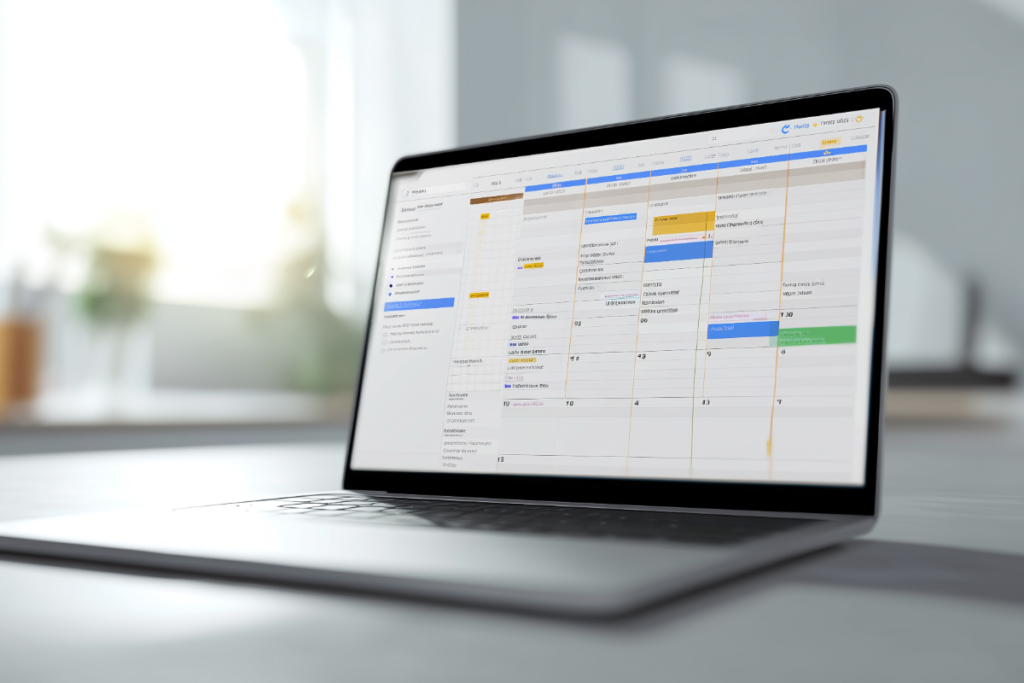
This is where the calendar-first approach changes everything. Instead of maintaining a separate list of tasks, you place each one directly into your daily timeline. When you see “Study biology” scheduled from 4-6 PM on Tuesday, you’ve made a commitment to yourself. It’s no longer just a wish—it’s a plan.
Best daily routine applications can transform how you structure your student life by bringing tasks and events into a single, time-based view. This eliminates the constant mental gymnastics of figuring out when you’ll tackle each item on your list.
The Power of Visualizing Your Day
Imagine opening your phone and seeing your entire day laid out: 9 AM class, 11 AM study session, 1 PM lunch, 3 PM assignment deadline, 6 PM gym, 8 PM relaxation time. Everything has a place. Nothing is forgotten.
This visual approach does something powerful for your brain, it removes decision fatigue. You’re not constantly asking yourself, “What should I do now?” Instead, you simply follow the plan you’ve already made.
For students managing multiple responsibilities, the best daily planner integrates academic deadlines, personal commitments, and self-care time into one unified timeline. This prevents the common mistake of over-scheduling or forgetting to block time for rest.
Smart Scheduling: Work With Your Energy Levels
Not all hours are created equal. You might be sharp and focused at 8 AM but completely drained by 8 PM. Effective time management means scheduling your hardest tasks during your peak energy hours.
Use your calendar to place difficult subjects during your most alert times, schedule routine tasks when your energy dips, and block recovery time after intensive study sessions. Many successful students also use time blocking techniques to maintain focus. Best planner for time blocking tools help you create these focused work periods while ensuring you don’t burn out.
Building Sustainable Study Habits
Cramming might get you through one exam, but it won’t sustain you through an entire semester or degree program. The key is building habits that compound over time.
Here’s where integrating habits into your calendar makes a huge difference. Instead of hoping you’ll remember to review your notes daily, schedule 30-minute review sessions at the same time each day. Your calendar becomes your habit tracker.
Students who track their routines consistently see remarkable improvements. When you can visualize how often you’re actually studying versus how often you think you’re studying, you gain valuable insights into your productivity patterns.
For building lasting routines, how to make a habit tracker can guide you in creating systems that stick. The secret is making your habits visible and scheduling them like any other important appointment.
Managing Multiple Deadlines Without Panic
Assignment due dates have a sneaky way of piling up all at once. One week you’re coasting, the next you have three papers, two exams, and a presentation—all due within 48 hours.
The solution isn’t working harder in that final week. It’s working backward from deadlines and scheduling preparation time well in advance.
Break large projects into smaller tasks and schedule each one:
- Week 1: Research and outline
- Week 2: First draft
- Week 3: Revision and editing
- Week 4: Final review and submission
When these milestones live in your calendar with specific time slots attached, you see exactly how much time you have and can adjust accordingly. This prevents the last-minute scramble that leads to subpar work and unnecessary stress.
The WhatsApp Reminder Advantage

Here’s a game-changer many students don’t know about: getting reminders through WhatsApp for your calendar events. Why does this matter?
Because let’s be honest—you check WhatsApp dozens of times per day. When a reminder pops up in an app you’re already using constantly, you’re far more likely to actually see and act on it.
Traditional calendar apps send notifications that get lost among dozens of other phone alerts. But a WhatsApp message? That cuts through the noise. You get reminded about upcoming classes, assignment deadlines, and study sessions right where you’re already chatting with friends.
The key is setting reminders strategically, about 24 hours before major deadlines to give yourself prep time, and 10 minutes before classes or meetings so you’re never late.
Balancing Academics With Life
Time management isn’t about filling every minute with productivity. It’s about intentionally scheduling everything that matters, including rest, exercise, social time, and hobbies.
Students who only focus on academic tasks eventually burn out. Your calendar should reflect a balanced life where studying is important but not all-consuming. Schedule your non-negotiables first—sleep, meals, exercise, and social connections, then fit your academic work around these essentials.
Academic goals for students should encompass more than just grades—they should include maintaining mental health, building relationships, and developing as a whole person.
Technology That Actually Helps
The right tools can make time management almost effortless. Instead of manually writing out your schedule or maintaining multiple apps, modern planning apps bring everything together.
Look for features like voice input for adding tasks quickly between classes, integration with your existing calendars (Google, Apple, Microsoft), color-coding to distinguish classes from personal time, and recurring event support for weekly commitments.
Best school planner apps designed specifically for students understand the unique challenges of academic life, from semester-based scheduling to exam periods that require special focus.
Creating Your Weekly Planning Ritual
The most successful students don’t just plan once—they have a weekly planning ritual. Sunday evening or Monday morning, they review the upcoming week and adjust their schedule.
During your planning session:
- Review upcoming deadlines and exams
- Schedule specific study sessions for each subject
- Block time for assignments that need work
- Plan when you’ll attend office hours or study groups
- Ensure you’ve scheduled breaks and personal time
- Set reminders for critical events
This 15-20 minute weekly investment saves hours of confusion and stress during the week. You start each day knowing exactly what needs attention and when you’ll tackle it.
The Bottom Line
Effective time management for students isn’t about complex productivity systems or perfect discipline. It’s about seeing your entire day in one place, scheduling both tasks and events on a timeline, and using smart reminders to stay on track.
When you shift from scattered to-do lists to an integrated calendar approach, something clicks. You stop feeling reactive and start feeling in control. Your assignments get done with time to spare because you’re studying consistently, not cramming desperately.
The best part? Once you set up your system, it takes just minutes each day to maintain. Start today by opening your calendar, blocking out this week’s commitments, and scheduling your most important tasks.