
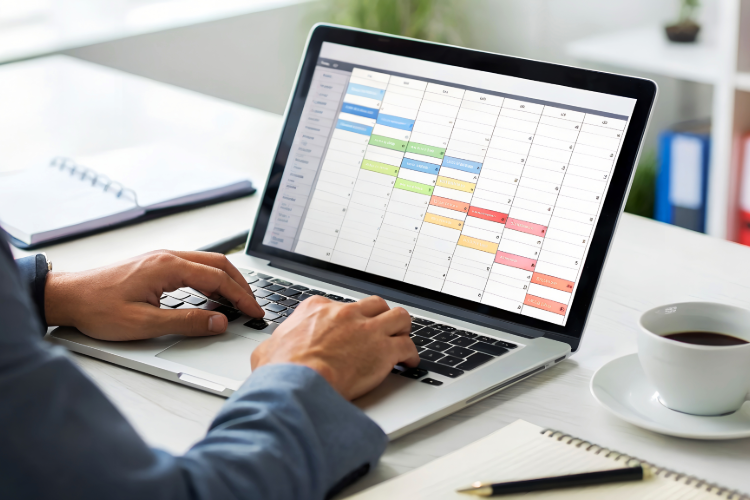
If you’ve searched for a free weekly planner, you’ve probably noticed one thing very quickly: most of them look good for a day… and then quietly stop being used.
Students don’t need another aesthetic template that only works in theory. They need something that:
- shows what’s due this week
- doesn’t take 30 minutes to set up
- works on iPad / GoodNotes
- and doesn’t fall apart halfway through the semester
This guide is based on real student conversations, especially from GoodNotes users who’ve tried everything from free templates to bullet journaling, and still felt disorganised. Let’s break down what actually works.
Why Most “Free Weekly Planners” Don’t Work Long-Term
Most free weekly planners fail for the same few reasons, even if they look great on Pinterest.
First, many planners are either weekly or monthly, but not both. Students plan assignments monthly, but execute tasks weekly. When those two views aren’t connected, things slip through the cracks.
Second, a lot of planners assume you’re happy to customise everything yourself. Bullet journaling is the best example of this. It sounds flexible, but in practice, most students get tired of:
- drawing layouts every week
- recreating the same structure again and again
- falling behind once classes get busy
As one GoodNotes user put it, “I either get lazy to make my own template and end up really disorganised… and then I give up.” That’s not a motivation problem, it’s a tool problem.
Finally, many free planners are too static. Schedules change, deadlines move, and life happens. When updating your planner feels like extra work, it’s the first thing you abandon.
What Students Really Mean When They Search “Free Weekly Planner”
When students type free weekly planner into Google, they’re not just asking for a PDF. They’re asking for relief from chaos.
“I want weekly and monthly planning in one place”
Students don’t think in isolated weeks. Exams, submissions, and semesters are monthly timelines. A weekly planner without a monthly overview feels incomplete, while a monthly planner alone isn’t detailed enough to get through the week.
That’s why the most recommended planners in student communities combine:
- a monthly overview to see what’s coming
- a weekly breakdown to actually get things done
Anything else feels like extra mental juggling.
“I don’t want to design my planner every week”
This comes up again and again in student discussions. Bullet journaling and blank planners promise freedom, but they also demand consistency and effort.
Most students don’t want to be designers. They want:
- ready-to-use weekly layouts
- minimal setup
- the ability to tweak, not rebuild
Free weekly planners that remove friction, not add creativity homework, are the ones that stick.
What to Look for in a Good Free Weekly Planner (Student Checklist)
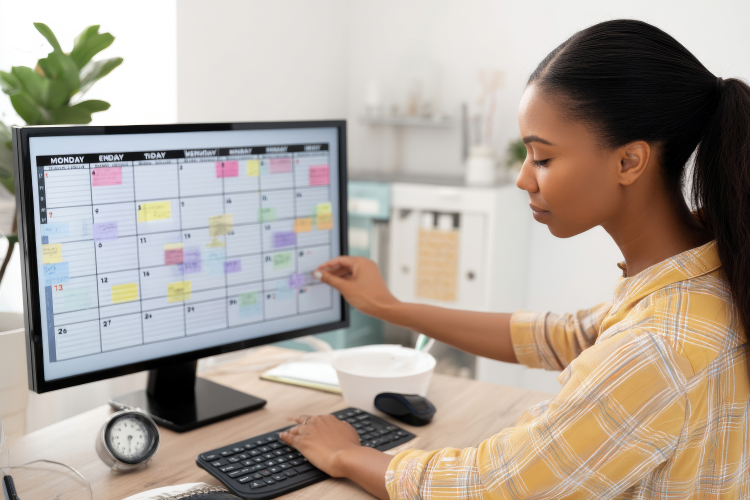
Before downloading another planner you’ll forget in two weeks, check for these basics.
If a planner feels impressive but exhausting to maintain, it’s probably not the right one. Students stick to planners that reduce thinking, not add more steps.
Free Weekly Planner Types (And Who They’re Actually For)
Not all free weekly planners fail, they just fail for certain people. The key is choosing a format that matches how you actually study and plan.
Printable PDF Weekly Planners (Good for Paper, Not for Everyone)
Printable weekly planners are usually the first thing students find. They’re simple, free, and easy to download. They work well if you prefer writing on paper and don’t need to move tasks around often. But for digital-first students, PDFs can feel limiting. Once something changes, you’re either erasing constantly or reprinting pages.
Free Digital Weekly Planners for GoodNotes
This is where most students eventually land. Digital weekly planners designed for GoodNotes are popular because they work smoothly on iPad, allow handwriting or typing, and often come with clickable tabs. The downside? Even digital planners are still static templates. They don’t adapt when deadlines move.
Basic Notebooks You Customise Once (Not Every Week)
A popular workaround is using a simple digital notebook with sections for monthly planning, weekly planning, and notes. Instead of recreating layouts, students set this up once and reuse it. It avoids weekly setup fatigue while offering flexibility.
A Smarter Way to Do Weekly Planning (Without More Templates)
Free weekly planners are a great starting point. But if you’ve tried multiple templates and still feel disorganized, the issue usually isn’t the layout, it’s the effort required to keep everything updated.
Weekly planning works best when tasks are captured the moment you think of them, your week adjusts automatically when plans change, and you don’t have to rewrite constantly.
Instead of managing a static planner, some students move toward dynamic weekly planning, where tasks, reminders, and schedules update as life happens. That’s where tools like Fhynix come in. Rather than offering another template, Fhynix helps you add tasks via text or voice, see a clear weekly view without manual setup, and stay on track without redesigning your planner every semester. It’s still weekly planning, just without the maintenance.
Why Many Students Eventually Outgrow Free Weekly Planners
Even the best free weekly planner has limits. As semesters get busier, students start to notice weekly layouts filling up too fast, constant rescheduling, and forgetting to check the planner altogether. At that point, static templates don’t adapt to real life. When planning becomes maintenance work, it stops being helpful. This is usually when students start looking for reminders that don’t rely on memory, easier ways to capture tasks, and tools that adjust when plans change. Outgrowing a planner isn’t failure. It’s a signal that your system needs to evolve.