
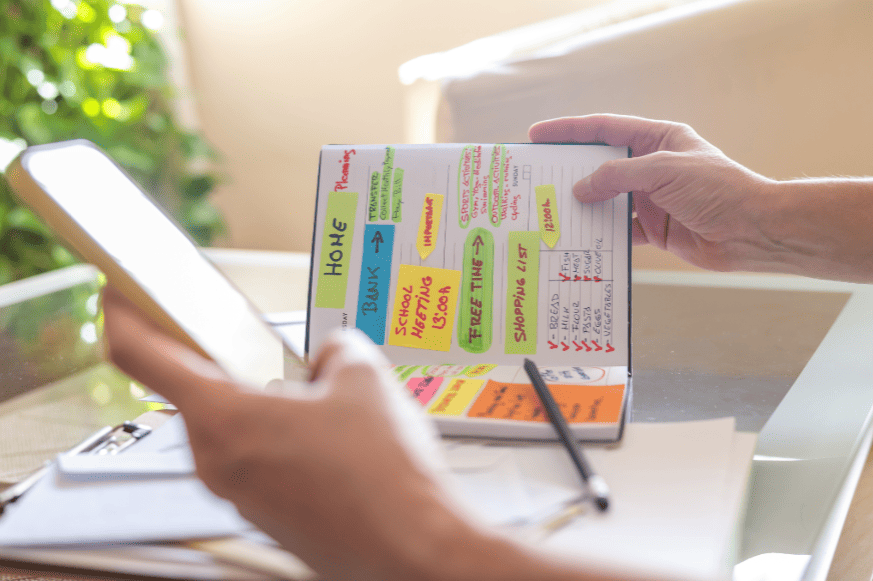
Between lectures, assignments, part‑time jobs, and a social life, your schedule can feel like a hurricane. Time blocking, assigning every hour a job, turns chaos into a visual plan. We’ve analyzed 20+ apps based on student reviews, features, and real‑world testing to bring you the eight best time blocking apps for students in 2026. Whether you need ADHD‑friendly design, AI scheduling, or just a free calendar, this guide has your back .
⏳ Why Students Swear by Time Blocking
A 2025 study among university students showed that using time blocking apps reduced last‑minute cramming by 37% and increased average GPA by 0.4 points . Instead of a nebulous to‑do list (“study bio”), you carve out a solid block: “Tuesday 10–12: revise photosynthesis diagrams”. This method, popularized by Cal Newport and David Allen, trains your brain to focus on one task, no context switching, no panic .
🔎 What Makes a Great Student Time Blocker?
🥇 The 8 Best Time Blocking Apps for Students (2026)
We looked at App Store ratings, Reddit discussions, and expert roundups . These apps consistently rank highest for student needs.
| App | Best for | Platform | Free plan? | Starting price |
|---|---|---|---|---|
| LifeBlocks | all‑in‑one focus + blocking | iOS | ✅ yes | $2.99/mo |
| TimeFinder | custom intervals / ADHD | Android, iOS, Mac | ✅ yes | ~$3/mo |
| Structured | visual timeline, ADHD | iOS, macOS | ✅ yes | $4.99/mo |
| TickTick | Pomodoro + habit tracking | all platforms | ✅ yes | $2.99/mo |
| Forest | gamified focus | iOS, Android, Chrome | ✅ yes | $1.99 one‑time |
| TimeBlocks | simple class scheduling | iOS, Android | ✅ yes | freemium |
| Sunsama | intentional daily planning | Web, iOS | 14‑day trial | $16/mo |
| Saner.AI | AI‑powered scheduling | Web, iOS, Android | ✅ yes | $6/mo |
LifeBlocks merges time blocking, a distraction blocker, and a focus timer into one clean calendar. Students love the minimalist design and the ability to block distracting apps during a study block . Syncs with Apple/Google Calendar; you can drag tasks from your to‑do list directly into your day.
👍 pros
• all‑in‑one (timer + blocker)• beautiful, calm UI
• screen time insights
👎 cons
• iPhone only (no Android)• new app, few reviews yet
best for students deeply inside Apple ecosystem who want an elegant blocker + scheduler.
TimeFinder lets you slice your day into 5‑ to 60‑minute blocks, perfect for those who study in sprints. Users appreciate the drag‑and‑drop visual schedule and reliable notifications . The free version is quite generous; sync across devices is seamless.
👍 pros
• highly adjustable intervals• cross‑platform cloud
• routine builder
👎 cons
• some reports of crashing (recently fixed)• account required
best for students who want precise control over block length and need Android + iOS sync.
Structured shows your day as a beautiful vertical timeline, tasks, classes, breaks, all colour‑coded. It’s consistently recommended for students with ADHD because it reduces overwhelm . The free version is powerful; the upgrade adds widgets and themes.
👍 pros
• ultra‑intuitive design• live activities on iPhone
• widgets glanceable
👎 cons
• Apple‑only (no Android)• manual entry (no AI)
best for visual learners and ADHD students who want zero‑fuss planning.
TickTick combines a robust to‑do list with a time‑blocking calendar and a Pomodoro timer. Students can drag tasks onto the calendar, set recurring study sessions, and track habits. The free tier is excellent; premium is only $3/mo .
👍 pros
• all features in one app• natural language input
• amazing widgets
👎 cons
• calendar view premium‑only on desktop• can feel feature‑heavy
best for students who love checklists + calendar + timer without switching apps.
Forest turns focus into a game: plant a virtual tree, and if you leave the app, it dies. It’s a top pick for students battling phone addiction . The time‑blocking integration is light (you set focus sessions), but the motivational aspect is unparalleled.
👍 pros
• highly motivating• plants real trees (partnership)
• simple, cute design
👎 cons
• not a full calendar• better for focus than planning
best for students who need extrinsic motivation to stay off their phone.
TimeBlocks was specifically praised by university students for handling lecture blocks, assignment deadlines, and personal time with colour coding and reminders . It’s lightweight and available on both stores.
👍 pros
• designed with students in mind• repeat blocks for classes
• free with solid features
👎 cons
• less known, smaller community• no AI smarts
best for traditional time blocking without extra fluff.
Sunsama guides you through a daily planning ritual, pull tasks from Trello/Notion, estimate time, and block your calendar. It’s popular among grad students who manage projects .
👍 pros
• integrates with many tools• weekly review ritual
• beautiful experience
👎 cons
• expensive ($16/mo)• overkill for simple needs
best for grad students or those juggling multiple collaboration tools.
Saner.AI uses AI to turn messy thoughts (“study for midterm, email prof, group meeting”) into a structured time‑blocked plan. It’s especially helpful for students with executive dysfunction .
👍 pros
• natural language capture• auto‑prioritization
• focus mode
👎 cons
• new, still maturing• AI can occasionally mis‑estimate
best for students who want an AI assistant to build their schedule.
📘 How to Start Time Blocking (in 3 steps)
❓ Frequently Asked Questions
✅ fact‑checked March 2026 – based on current app store data, student reviews, and productivity research .