
Juggling lectures, assignments, study sessions, social events, and personal time requires more than good intentions, it demands a solid planning system. The right student planner app can transform chaotic schedules into organized, manageable days where nothing falls through the cracks.
But not all planning apps are created equal. Some are designed for busy executives, others for creative professionals. Students need something different, a tool that understands the unique rhythm of academic life, from semester-based scheduling to exam periods that require intense focus.
Let’s explore what makes a student planner app truly effective and how to choose one that fits your lifestyle.
What Makes a Great Student Planner App?
Before diving into specific features, it’s important to understand what separates a great student planner from a mediocre one.
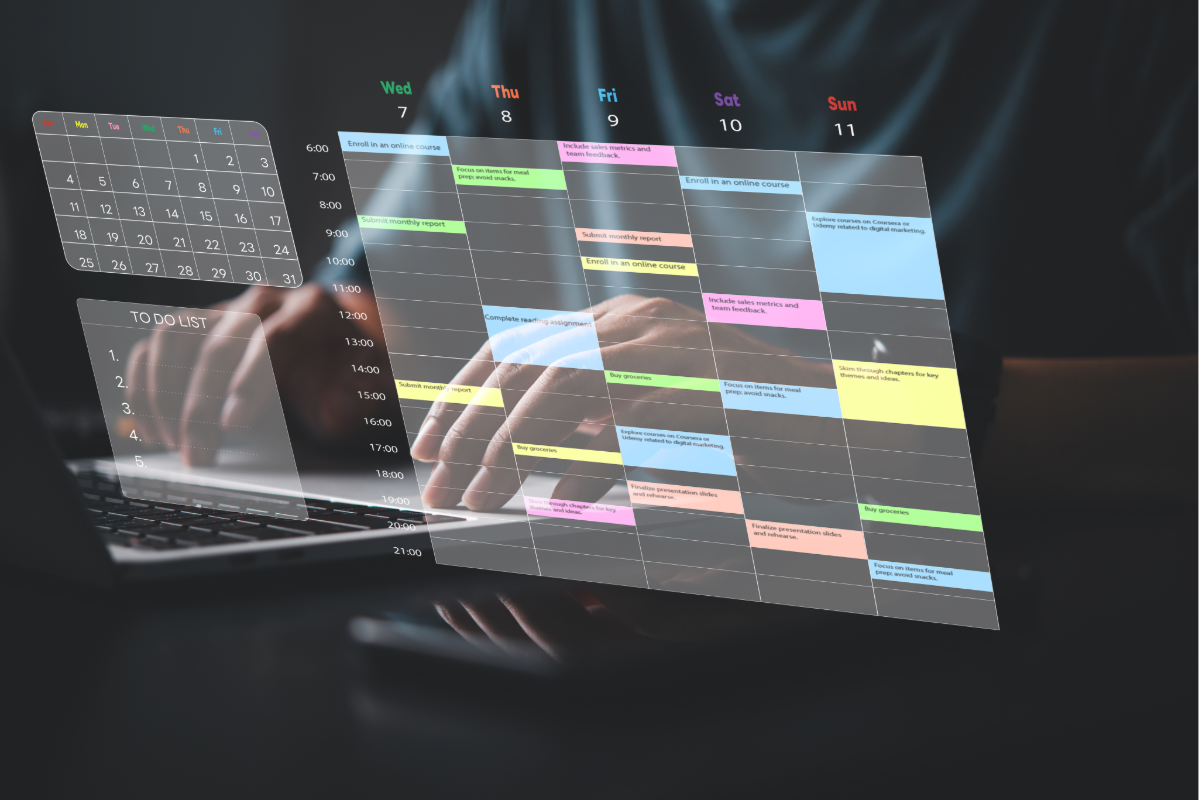
The fundamental shift happening in productivity apps is moving away from separate to-do lists toward integrated timeline planning. Instead of maintaining a list of tasks floating in limbo, the best planners place everything directly into your daily schedule. When you see “Study calculus” scheduled from 2-4 PM on Thursday, you’ve made a real commitment, not just a wishful note.
A quality student planner should offer:
Calendar-first design – Your tasks and events live together in one unified timeline, giving you a complete picture of your day at a glance. This eliminates the mental gymnastics of figuring out when you’ll actually do the things on your to-do list.
Voice and text input – Between rushing to classes and juggling textbooks, you need to add tasks quickly. The ability to simply say “Assignment due Friday at noon” and have your planner understand you is invaluable.
Smart reminders – Notifications that actually reach you matter. Getting reminders through channels you check constantly, like WhatsApp for calendar events, ensures you never miss important deadlines or classes.
External calendar integration – Your professor puts deadlines in Google Calendar, your study group uses Apple Calendar, and your part-time job schedules shifts in another system. A good planner syncs all these sources into one view.
Visual organization – Color-coding different areas of your life (academics, personal, work, fitness) helps you instantly see where your time goes and whether your schedule is balanced.
The Calendar-First Approach to Student Planning
Traditional planning apps treat your calendar and task list as separate entities. You check your calendar for class times, then switch to a to-do app to see what assignments need completion. This fragmented approach creates gaps where important tasks get forgotten.
The calendar-first method changes everything. Every task becomes a calendar event with a specific time slot. “Write history essay” isn’t just on a list, it’s scheduled for Wednesday from 4-6 PM. “Study for biology exam” appears on your timeline across multiple days leading up to the test.
This approach offers several advantages for students. You can visually see if you’re over-scheduling yourself, you eliminate decision fatigue about what to work on next, and you create realistic expectations about what’s actually achievable in a day.
Best daily routine applications designed with this philosophy help students build consistent habits by integrating recurring tasks directly into their daily timeline.
Essential Features for Academic Success
Let’s break down the must-have features that make a student planner genuinely useful.
Unified Timeline View
The foundation of effective planning is seeing everything in one place. Your lectures, study sessions, social events, assignment deadlines, and personal time should all appear on the same timeline. This unified view reveals scheduling conflicts before they become problems.
For students managing multiple responsibilities, what is the best daily planner comes down to this integration capability, bringing academics, personal life, and everything else into one coherent schedule.
Intelligent Task Scheduling
The most advanced student planners use natural language processing to understand what you mean when you add tasks. Type or say “Math homework due next Tuesday at 3 PM” and the app automatically creates an event, sets reminders, and places it in your timeline. This intelligence saves countless hours of manual scheduling.
Habit and Routine Tracking
Academic success isn’t just about handling individual assignments, it’s about building sustainable study habits. The best student planners help you create recurring events for regular activities like daily review sessions or weekly office hours visits.
How to make a habit tracker that actually works involves making your habits visible and scheduling them like any other important commitment. Students who track their study habits consistently see significant improvement in their academic performance.
Strategic Reminder Systems
Many planning apps send notifications that get lost among dozens of other phone alerts. The solution? Reminders through channels you actually check constantly. When a calendar reminder appears in WhatsApp, an app most students check dozens of times daily, you’re far more likely to notice and act on it.
Effective reminder timing matters too. Get notified about major deadlines 24 hours in advance, plus receive a final 10-minute warning so you’re never late to classes or meetings.
Multi-Calendar Integration
Your academic life doesn’t exist in isolation. The best student planners aggregate calendars from multiple sources, Google, Apple, university portals, giving you a master timeline that shows everything. No more switching between apps to figure out if you’re free Thursday afternoon.
Balancing Structure With Flexibility
One trap students fall into is over-planning. They schedule every single minute, leaving no room for unexpected class discussions, impromptu study sessions, or mental breaks.
Effective planning means building in buffer time. Block gaps between major activities, schedule flex time for whatever comes up, and include genuine breaks where you’re not trying to be productive.
Your planner should help you maintain this balance through color-coding that helps you visually assess whether your schedule is too packed with academic work and lacking in personal time.
Best planner for time blocking tools excel at helping students create focused work periods while ensuring adequate rest and recovery time between intense study sessions.
Mobile-First Design for Student Life
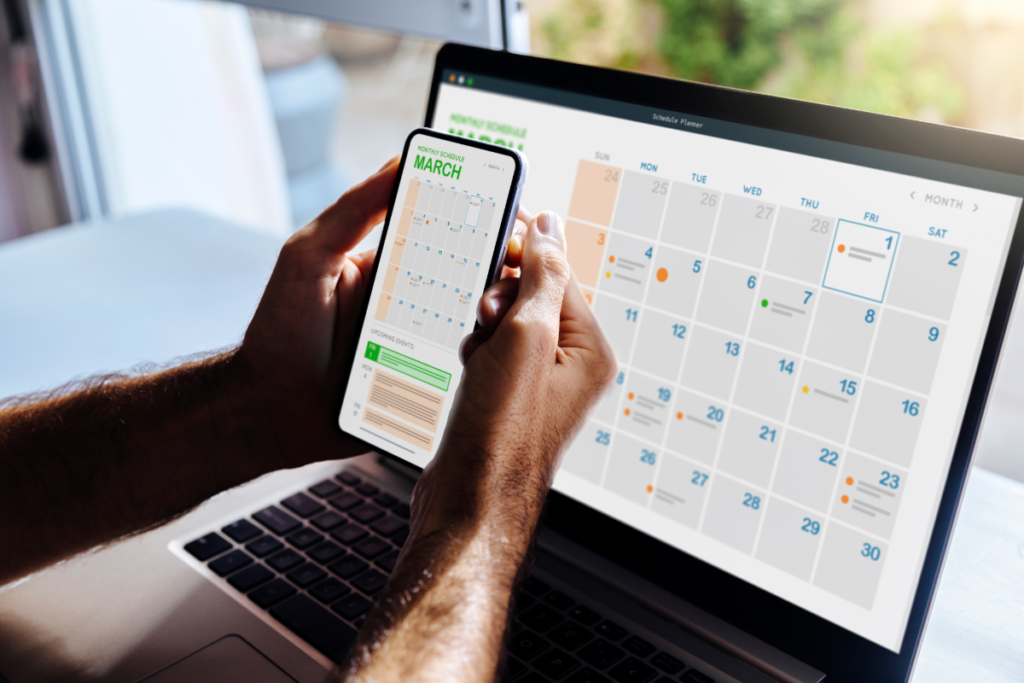
As a student, you’re moving between classes, libraries, coffee shops, and dorm rooms. Your planner needs to work seamlessly on your phone with quick entry methods, readable calendar views on small screens, fast syncing, and offline access.
Creating Sustainable Planning Habits
Having a great planner app is only half the battle. Successful students dedicate 15-20 minutes weekly to review upcoming assignments and commitments. They do quick daily check-ins each morning and evening, and capture everything immediately using voice input the moment a professor announces a deadline.
Academic Goal Setting and Progress Tracking
A sophisticated student planner does more than just schedule your days, it helps you work toward larger goals. Breaking down semester-long objectives into weekly milestones and daily tasks creates a clear path to success.
Maybe your goal is maintaining a 3.5 GPA this semester. Your planner helps you break this into specific study habits: review notes for 30 minutes daily, complete all assignments three days before due dates, attend office hours twice per week.
Academic goals for students become achievable when you translate them into concrete, scheduled actions rather than vague intentions.
Similarly, the best daily routine for students involves more than just attending classes, it encompasses studying, self-care, social connections, and personal development, all visible in your integrated timeline.
Handling Exam Periods and Crunch Times
Regular semester scheduling is one thing, but exam periods require a different approach. The best student planners help you create intensive study schedules with larger time blocks for each subject, more frequent breaks, and temporarily reduced non-essential activities. Your planner should make this transition easy without losing track of other commitments you can’t ignore.
Making the Switch to Better Planning
If you’re currently using a basic to-do list app or paper planner, switching to an integrated calendar-first approach might feel like a big change. Start gradually.
Begin by scheduling just your classes and major deadlines in your new planner. Use it alongside your existing system for a week or two. As you get comfortable, add more tasks directly to your timeline. Within a month, you’ll wonder how you ever managed with separate lists and calendars.
Best school planner apps designed specifically for students understand this transition and often include onboarding guides that help you set up your ideal system.
The Bottom Line on Student Planner Apps
The difference between struggling through your academic life and thriving often comes down to how well you manage your time. The right student planner app doesn’t just organize your schedule, it transforms how you approach each day.
Look for a planner that brings everything into one unified timeline, uses smart reminders to keep you on track, integrates with your existing calendars, and makes adding tasks as simple as speaking to your phone.
Most importantly, choose a planner that respects how you actually live and work. You need something that fits into your pocket, syncs instantly, and doesn’t require a PhD to operate.
The best student planner app is one you’ll actually use every single day. Find that tool, build the habit of checking it consistently, and watch as chaotic schedules transform into organized, manageable days where you accomplish what matters without burning out.